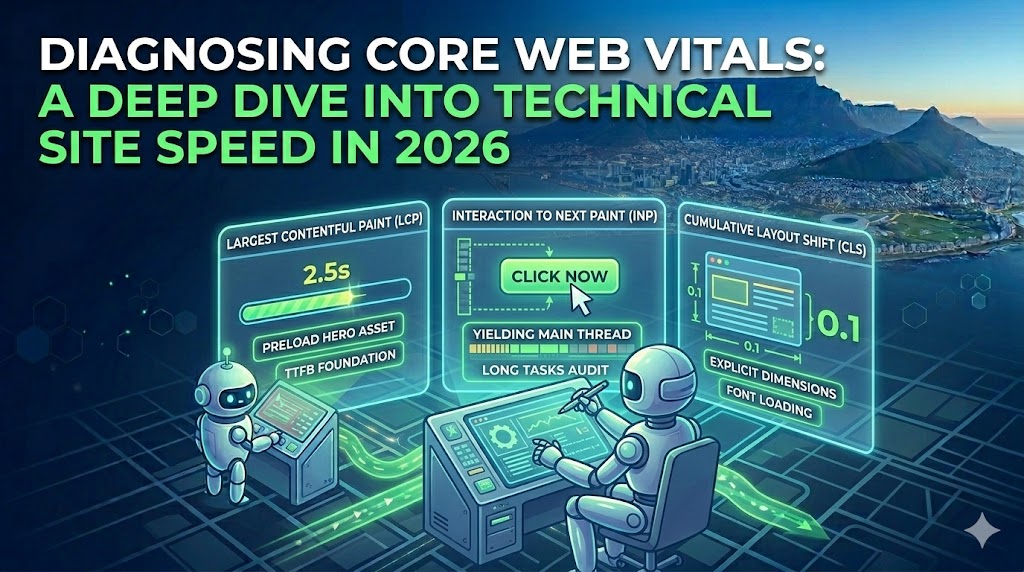
Diagnosing Core Web Vitals: A Deep Dive into Technical Site Speed in 2026
Passing Google’s Core Web Vitals (CWV) assessment is a mandatory technical baseline for competitive search visibility. Slapping a basic caching plugin on a WordPress site is no longer sufficient. Modern site speed optimization requires deep, server-level and front-end architectural adjustments.
Drawing on technical SEO diagnostics experience since 2012, here is a granular look at how to properly diagnose and resolve the three pillars of Core Web Vitals.
1. Interaction to Next Paint (INP): The JavaScript Bottleneck
INP measures a page’s overall responsiveness to user interactions (clicks, taps, and keyboard inputs). It has fully replaced First Input Delay (FID) and is notoriously difficult to optimize because it relies heavily on how your server processes JavaScript.
- The Core Issue: Heavy WordPress themes, unoptimized custom add-ons, and third-party tracking scripts block the browser’s main thread. If the main thread is busy executing a massive script, it cannot respond to a user’s click, resulting in a poor INP score (over 200ms).
- The Diagnostic: Use Chrome DevTools (Performance tab) to record a page load and identify “Long Tasks” (tasks taking longer than 50ms) that block the main thread.
| Optimization Tactic | Technical Execution | Impact on INP |
| Yielding to the Main Thread | Break up long JavaScript tasks using setTimeout or modern scheduler.yield() APIs so the browser can process user inputs in between script execution. | High |
| Delay Non-Critical Scripts | Defer third-party tags (Analytics, Facebook Pixel, live chats) until the first user interaction via Google Tag Manager or a dedicated optimization script. | Critical |
| Audit Third-Party APIs | Remove redundant API calls and consolidate external tracking scripts that fire simultaneously on initial load. | Medium |
2. Largest Contentful Paint (LCP): Server Response and Render Paths
LCP measures loading performance by tracking how long it takes for the largest visual element above the fold (usually a hero image or H1 text block) to render. The target is under 2.5 seconds.
- TTFB is the Foundation: You cannot fix LCP if your Time to First Byte (TTFB) is slow. If your server takes 1.5 seconds to respond, you only have 1 second left to download and render the hero element.
- Render-Blocking Resources: CSS and JavaScript files placed in the
<head>of your document must be downloaded and parsed before the browser can draw the LCP element.
Advanced LCP Fixes:
- Preload the Hero Asset: Inject a
<link rel="preload">tag in your header specifically for your LCP image to force the browser to fetch it immediately. - Server-Level Caching: Implement Memcached or Redis object caching alongside page caching to reduce the time WordPress takes to query the database and construct the HTML document.
- Critical CSS: Extract and inline the minimum CSS required to style above-the-fold content, then defer the rest of the stylesheet.
3. Cumulative Layout Shift (CLS): Securing Visual Stability
CLS measures visual stability. If a user goes to click a button, but a late-loading image or ad pushes the button down, that is a layout shift. A passing score is 0.1 or less.
- Explicit Dimensions: The most common cause of CLS is missing width and height attributes on media files. When the browser does not know the dimensions of an image, it cannot allocate space for it, causing a shift when it finally loads.
- Font Loading Strategies: Web fonts can cause “Flash of Unstyled Text” (FOUT) or “Flash of Invisible Text” (FOIT). When the custom font swaps in, the text size changes, shifting the layout. Implement
font-display: swapor preload critical font files. - Dynamic Injections: Never inject dynamic content (like newsletter sign-ups, related products, or API-fed banners) above existing content unless triggered directly by a user interaction.